Blog
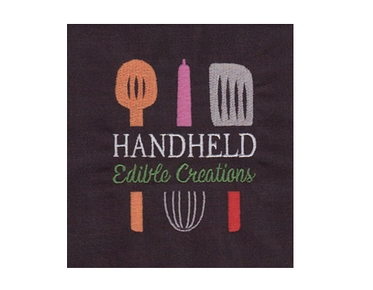
Logo Digitizing Service for Apparel: How to Write a Clear Project Brief
A clear project brief helps an embroidery digitizer turn your artwork into a design that suits the garment, placement, and production needs. When you request a...
Read More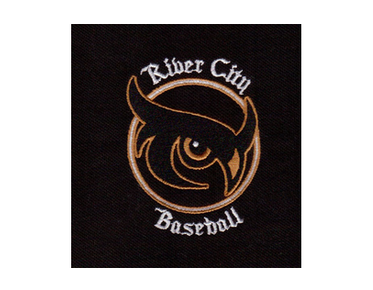
Custom Vector Art Services for Apparel: Preparing Logos for Different Print Uses
Custom vector art services are the safest way to get apparel logos ready for print because they turn pixel-based files into clean, scalable artwork. Whether you...
Read More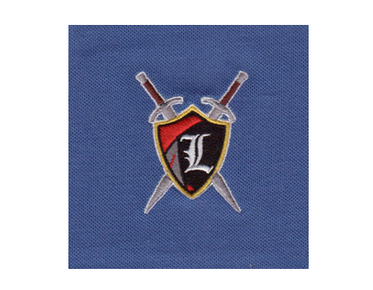
Machine Embroidery Digitizing Service: What to Include With Your Order
A successful embroidery order starts with more than a logo. When you request a machine embroidery digitizing service, share your artwork, finished design size,...
Read More
Embroidery Digitizing Companies in the USA: Questions to Ask Before Choosing
Choosing among embroidery digitizing companies in usa comes down to more than price or turnaround promises. Look for a provider that understands how your logo,...
Read More
Best Digitizing Service for Embroidery: What to Compare Before Ordering
The best digitizing service for embroidery does more than convert artwork into stitches: it prepares a design to sew clearly on the intended fabric and product....
Read More
What a Vector Art Conversion Service Does: From Raster Logo to Scalable Artwork
A vector art conversion service turns a blurry raster logo into clean, scalable artwork that can be resized for print, signage, or digital use without losing...
Read More